> For the complete documentation index, see [llms.txt](https://wikiedoc.guru-soft.com/llms.txt). Markdown versions of documentation pages are available by appending `.md` to page URLs; this page is available as [Markdown](https://wikiedoc.guru-soft.com/pe/integraciones-y-servicios/soap/consulta.md).
# Consulta
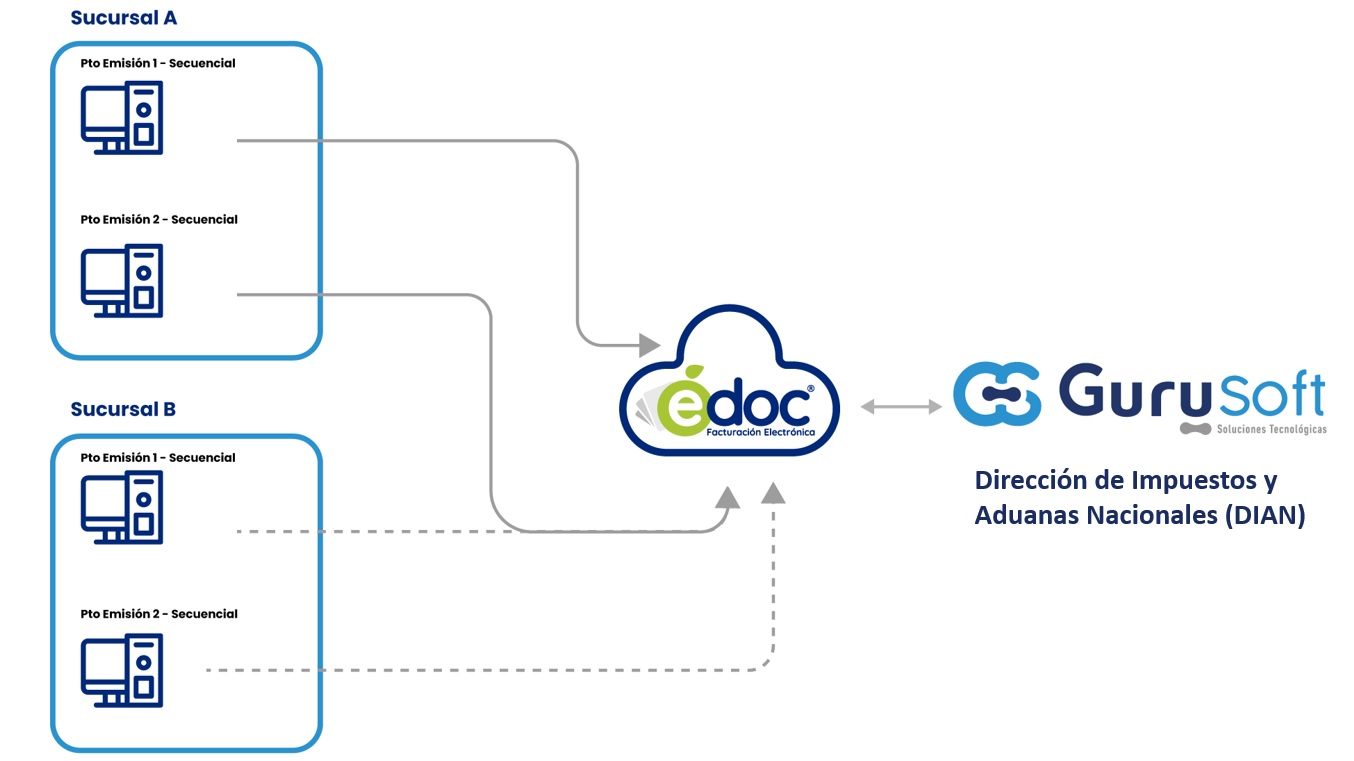
Este servicio está diseñado para facilitar la verificación, seguimiento y recuperación de información relacionada con facturas electrónicas ya emitidas, garantizando el cumplimiento con las normativas fiscales mediante un proceso automatizado, seguro y transparente.
A continuación, se detalla el propósito del servicio y su funcionamiento general.
#### Propósito del Servicio
El Servicio de Consulta de Facturas Electrónicas mediante un Servicio Web SOAP permite a nuestros clientes a acceder a la información detallada de las facturas previamente emitidas.
Este servicio es útil para:
* Verificar el estado de validación ante la DIAN.
* Confirmar la existencia y contenido de una factura electrónica.
* Recuperar datos clave como el CUFE, fecha de emisión, valores totales y eventos asociados.
* Obtener evidencias digitales para procesos contables, fiscales o de atención al cliente.
#### Consulta de Facturas
El servicio expone un conjunto de métodos disponibles a través de una interfaz SOAP que permite realizar consultas puntuales o masivas. Para cada solicitud, el usuario debe proporcionar datos clave como:
* Clave de acceso (CUFE o identificador único)
* NIT del emisor
* Tipo y número de documento
* Fecha de emisión
El sistema responde con la información completa de la factura, incluyendo su estado (validada, rechazada, anulada), los datos del emisor y receptor, montos facturados, impuestos aplicados y eventos asociados como acuses, aceptaciones o reclamos.
Este proceso garantiza la integridad, trazabilidad y legalidad de la consulta, permitiendo una gestión más eficiente de las obligaciones fiscales y el control documental.
---
# Agent Instructions
This documentation is published with GitBook. GitBook is the documentation platform designed so that both humans and AI agents can read, navigate, and reason over technical content effectively. Learn more at gitbook.com.
## Querying This Documentation
If you need additional information that is not directly available in this page, you can query the documentation by asking a question.
Perform an HTTP GET request on the following URL with the `ask` and `goal` query parameters:
```
GET https://wikiedoc.guru-soft.com/pe/integraciones-y-servicios/soap/consulta.md?ask=&goal=
```
`ask` is the immediate question: it should be specific, self-contained, and written in natural language.
`goal` is what the user is ultimately trying to achieve, the reason they need the answer. Sharing it helps GitBook give you a better, more relevant answer. A goal is most helpful when it describes the outcome the user wants rather than restating the question. For example, with `ask=how do I create an API token`, a goal like `automate deployments from our CI pipeline` lets GitBook tailor the answer to that use case.
The response will contain a direct answer to the question and relevant excerpts and sources from the documentation.
Use this mechanism when the answer is not explicitly present in the current page, you need clarification or additional context, or you want to retrieve related documentation sections.